Designing Cockpit Controls to Support Transition From Traditional to Digital Avionics
Introduction: The New Cockpit Frontier
Aviation is in the middle of a profound transformation. Cockpits that once relied on spinning gyroscopes, analog gauges, and mechanical switches are being replaced by glass panels, touchscreens, and centralized digital ecosystems. This shift from traditional to digital avionics offers unprecedented capabilities—integrated flight management, real-time data fusion, and enhanced situational awareness—but it also introduces critical human-factors challenges. Designing cockpit controls that facilitate this transition is not just about swapping out hardware; it demands a systematic approach to ensure pilots can operate safely, efficiently, and with confidence.
Understanding the Shift: From Analog to Digital Cockpits
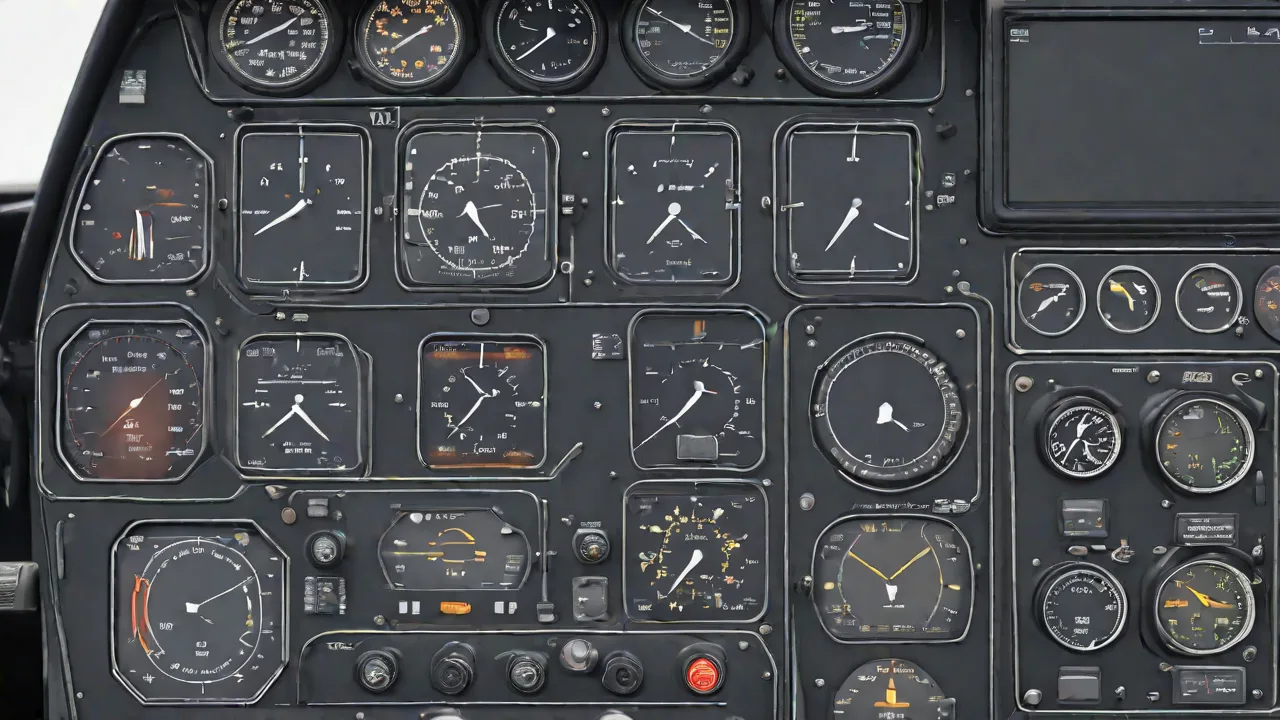
For decades, analog cockpits were the standard. Pilots read individual instruments—airspeed indicator, altimeter, attitude indicator, vertical speed indicator—each a separate gauge. Controls were physical buttons, knobs, and switches, each with a dedicated function. This approach worked well for its time, but as aircraft became more complex, the sheer number of analog instruments and controls increased panel clutter, pilot workload, and potential for error.
Digital avionics, first introduced in the 1970s with the Boeing 747-400's glass cockpit and later standardized in aircraft like the Airbus A320, consolidate information onto multi-function displays (MFDs) and primary flight displays (PFDs). Data is presented in a layered, configurable way. Controls are often integrated into cursor control devices, touchscreens, and side-stick or yoke-based interfaces. This shift reduces mechanical complexity and weight while allowing software updates to add new capabilities without rewiring the entire aircraft.
The transition is not binary. Many modern aircraft feature a hybrid design: digital displays paired with analog backup instruments (e.g., the "steam gauge" standby attitude indicator). Understanding this continuum helps designers create controls that bridge the gap for pilots transitioning between types. The goal is to minimize negative transfer—where habits from analog cockpits interfere with digital operations—while maximizing the benefits of digital systems.
Design Principles for Digital Cockpit Controls
Creating controls that support a smooth transition requires adherence to well-established human-factors principles. These principles are not merely aesthetic; they directly impact safety and pilot performance.
Intuitive Interface
An intuitive interface reduces the cognitive load on pilots, especially during high-workload phases like takeoff, approach, and emergency situations. Digital controls should mimic familiar mental models. For example, a rotary knob for adjusting altitude might behave similarly to a mechanical knob, even if it sends an electronic signal. Touchscreens should respond to natural gestures (swipe, tap, pinch) with predictable outcomes. The transition should feel like an upgrade, not a complete re-learning of the flight deck.
Consistency and Standardization
In a multi-crew environment, consistency across systems is vital. A button that cancels an alert should always be in the same location—or at least follow the same logic—whether on the overhead panel, glareshield, or side console. Standardization across aircraft types (where possible) reduces training time and error rates. Organizations like the FAA and EASA provide guidance on cockpit layout and control design to maintain consistency across manufacturers.
Redundancy and Backup Systems
Digital systems can fail—display screens go blank, software crashes, or data buses lose communication. Redundancy means critical controls must have a backup mechanism. This could be a separate, analog instrument (standby attitude indicator), a secondary touchscreen, or physical button overrides for functions normally controlled via a touchscreen. The design should make backup controls easy to locate and operate without requiring extensive memorization. For example, the backup compass should be clearly labeled and positioned within the pilot's line of sight.
Feedback Mechanisms
In analog cockpits, a pilot gets immediate tactile and auditory feedback—a switch clicks into place, a gauge needle moves. Digital controls often lack these cues. To compensate, designers must incorporate intentional feedback: haptic vibrations on touchscreens, distinct click sounds when a virtual button is pressed, visual confirmation (e.g., a highlighted arc or changing color), and latency-free response. Without clear feedback, pilots may second-guess inputs or miss critical changes.
Ergonomics and Human Factors
Controls must be reachable and operable with minimal arm movement, especially during turbulent conditions. Touchscreens should be positioned so pilots can stabilise their hand against the bezel to avoid accidental inputs. Physical buttons (if retained) need adequate spacing to prevent inadvertent actuation. The cockpit environment—lighting, vibration, temperature—also affects control usability. Proper contrast ratios and anti-glare coatings ensure digital displays remain readable under all lighting conditions. The NASA Human Factors branch has extensive research on ergonomics in aerospace cockpits that can inform design choices.
Examples of Transition-Friendly Control Technologies
Several specific technologies are easing the transition from traditional to digital cockpits:
- Multi-Function Displays (MFDs): These consolidate data that was previously spread across multiple gauges. Pilots can customize which information is shown (e.g., engine parameters, navigation map, weather radar). MFDs reduce scan time and allow pilots to focus on the most critical data at each phase of flight.
- Touchscreens with Haptic Feedback: Modern implementations, such as those on the Gulfstream G500/G600 and the Airbus A350, combine touch input with haptic pulses that confirm selection. This provides a tactile sensation similar to a mechanical button, reducing reliance on visual confirmation alone.
- Programmable Controls: Some aircraft allow pilots to assign functions to physical buttons or softkeys depending on the flight phase. For example, during takeoff, a button might control thrust reverser arming; during cruise, it could switch to auto-throttle mode. This adaptability reduces the total number of dedicated controls while maintaining ease of use.
- Voice Command Systems: While still evolving, voice control (e.g., Garmin's Flight Stream or experimental systems in the Next Generation Air Transportation System) can offload manual input. For pilots transitioning from analog cockpits, voice commands may feel unnatural at first, but careful design can make them a valuable backup to manual controls.
- Side-Stick and Sidestick Controllers: The shift from a traditional control yoke to a sidestick (as in many Airbus aircraft) is a major ergonomic change. These controllers often incorporate push-to-talk, autopilot disconnect, and trim functions, reducing hand movement. Smooth transition requires intuitive force sensing and consistent response across the flight envelope.
Challenges and Considerations in the Digital Transition
While digital controls offer clear advantages, they also introduce new risks that must be addressed during design.
Software Reliability and Failure Modes
Digital controls rely on software that can have bugs, require updates, or behave unpredictably in edge cases. Unlike analog systems that degrade gradually (e.g., a sticking needle), digital systems may fail entirely without warning. Designers must implement rigorous testing, redundancy (e.g., triple-redundant flight control computers), and robust error-handling. Pilots need clear failure annunciations and procedures that are easy to follow under stress.
Cybersecurity
As cockpits become more connected—through ADS-B, satellite communication, and even passenger Wi-Fi—the attack surface grows. Malicious actors could potentially introduce false data or take control of systems. Designing controls that are resilient to cyber threats is essential. This includes encryption of control data, isolated networks, and manual override mechanisms that cannot be bypassed by software alone. The ICAO provides cybersecurity frameworks for aviation systems.
Pilot Training and Adaptation
Even the best-designed cockpit controls are useless if pilots are not properly trained. Transitioning from analog to digital cockpits often involves a Type Rating or differences training. The design should accommodate a learning curve: provide clear labeling, intuitive menus, and a logical hierarchy of control functions. Simulators play a crucial role in helping pilots internalize the new interface. Additionally, controls should support reverting to familiar mental models during emergencies—for instance, a "direct to" button that behaves like a traditional radio navigation selection.
Sensory Overload and Information Management
Digital cockpits can present too much information on a single screen, leading to clutter and distraction. Controls must allow pilots to filter, declutter, and prioritize data. For example, a dedicated "Map" button that quickly zooms to an appropriate scale, or a "Traffic" button that shows only surrounding aircraft. The transition from scanning individual instruments to scanning a single display requires practiced attention management—design cannot force this, but it can support it through good layout.
Conclusion
The transition from traditional to digital avionics is one of the most significant changes in aviation history. Cockpit controls are the linchpin that determines whether that transition enhances or hinders pilot performance. By adhering to design principles such as intuitive interaction, consistency, redundancy, feedback, and ergonomics, engineers can create controls that feel natural even to pilots who learned on steam gauges. Incorporating proven technologies like multi-function displays, haptic touchscreens, and programmable buttons further eases the adaptation. At the same time, designers must proactively address the challenges of software reliability, cybersecurity, training, and information overload. When done correctly, the result is a cockpit that is safer, more capable, and more pleasant to operate—a win for pilots, airlines, and passengers alike.